
AI Tools & Assistants
-

The Best AI Chatbot for Everyday Use: Tested on Free Limits, Privacy, and the Apps
Choosing just one AI assistant to help answer day-to-day queries or assist with drafting content and conducting research seems like a long-term commitment, but, in fact, when using these tools for general text-based conversations, most of the popular options function the same way. While the basic conversational ability of each product can be similar, the underlying factors that delineate the…
Read More » -

ChatGPT Alternatives Worth Switching To — and What You Leave Behind When You Move
Claude, Gemini, Microsoft Copilot, and Perplexity are currently the four best alternatives to ChatGPT, but the easier part of the switch is making the choice; the harder part is transferring data from one AI to another (and setting up the new AI). After you find a new AI, your chat histories, memories, and customization instructions will not automatically be imported…
Read More » -
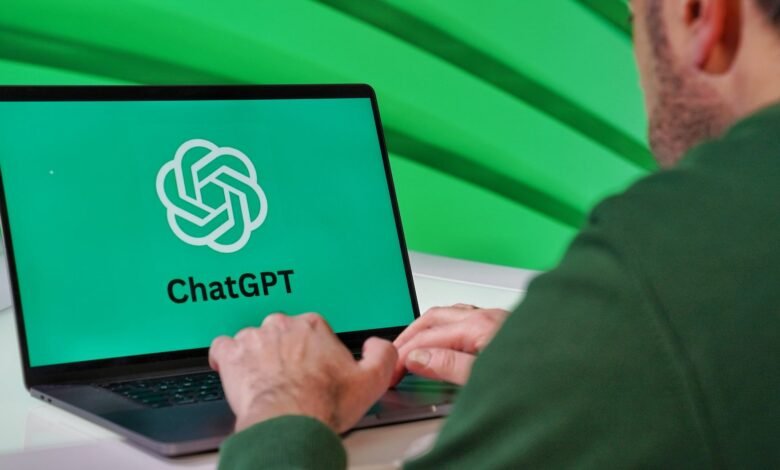
Is ChatGPT Free? What You Actually Get Without Paying Anything
Yes—there’s a free version of ChatGPT available. You don’t need a subscription to use it on your computer or through mobile devices like iPads, iPhones, and Androids. OpenAI states that you’ll be able to have unlimited conversations via text with regular ChatGPT every day. There are some limitations regarding tools such as file uploads, image generation, voice commands, deep research…
Read More » -

What Gemini Apps Activity Really Saves — and What Turning It Off Does and Doesn’t Stop
You can find your Gemini Apps Activity in your account records. This is where you will find the history of your conversations with Gemini, as well as any saved activity that Google can use to improve its services. When you turn off your Gemini Apps Activity, you prevent any new chats from appearing in your long-term activity history. Furthermore, with…
Read More » -
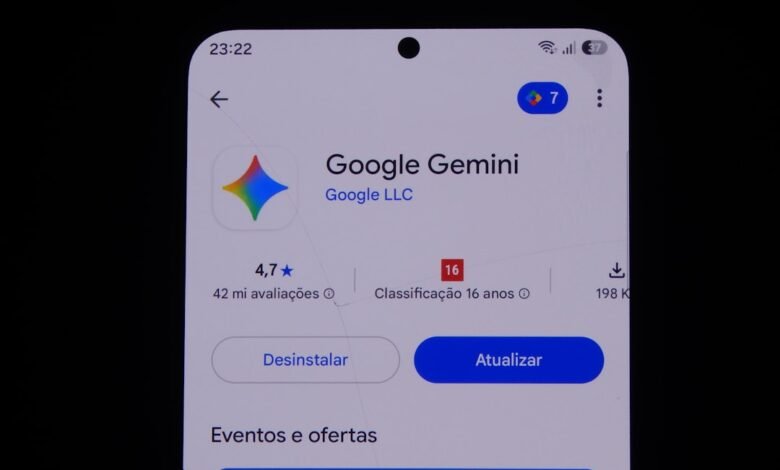
How to Delete Your Gemini History on Any Device — and What Google Still Keeps
When it comes to deleting Gemini history, it is important to remove the activity from your Google Account and not just delete the chat title from the sidebar. By removing the activity from your account, you are removing the selected conversations from Gemini history and allowing Google to delete them, but that does not mean they will be deleted completely.…
Read More »