

-
AI Tools & Assistants
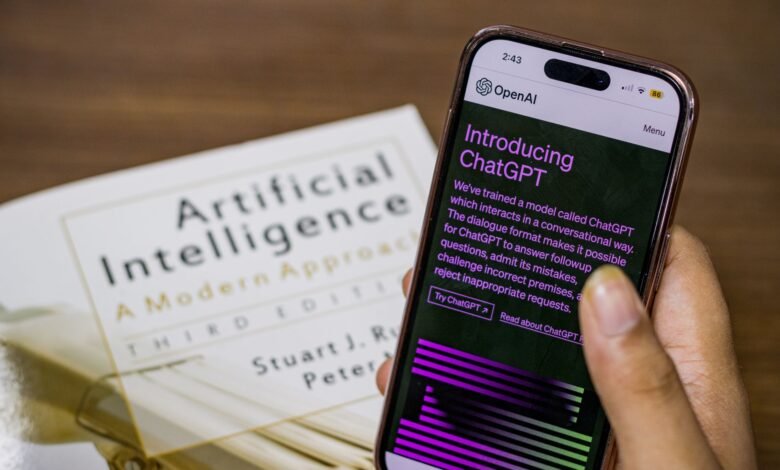
The Best AI Chatbot for Everyday Use: Tested on Free Limits, Privacy, and the Apps
Choosing just one AI assistant to help answer day-to-day queries or assist with drafting content and conducting research seems like a long-term commitment, but, in fact, when using these tools for general text-based conversations, most of the popular options function the same way. While the basic conversational ability of each product can be similar, the underlying factors that delineate the…
Read More » -
AI Tools & Assistants

ChatGPT Alternatives Worth Switching To — and What You Leave Behind When You Move
Claude, Gemini, Microsoft Copilot, and Perplexity are currently the four best alternatives to ChatGPT, but the easier part of the switch is making the choice; the harder part is transferring data from one AI to another (and setting up the new AI). After you find a new AI, your chat histories, memories, and customization instructions will not automatically be imported…
Read More » -
AI Tools & Assistants
Is ChatGPT Free? What You Actually Get Without Paying Anything
Yes—there’s a free version of ChatGPT available. You don’t need a subscription to use it on your computer or through mobile devices like iPads, iPhones, and Androids. OpenAI states that you’ll be able to have unlimited conversations via text with regular ChatGPT every day. There are some limitations regarding tools such as file uploads, image generation, voice commands, deep research…
Read More » -
AI Tools & Assistants
What Gemini Apps Activity Really Saves — and What Turning It Off Does and Doesn’t Stop
You can find your Gemini Apps Activity in your account records. This is where you will find the history of your conversations with Gemini, as well as any saved activity that Google can use to improve its services. When you turn off your Gemini Apps Activity, you prevent any new chats from appearing in your long-term activity history. Furthermore, with…
Read More » -
AI Tools & Assistants
How to Delete Your Gemini History on Any Device — and What Google Still Keeps
When it comes to deleting Gemini history, it is important to remove the activity from your Google Account and not just delete the chat title from the sidebar. By removing the activity from your account, you are removing the selected conversations from Gemini history and allowing Google to delete them, but that does not mean they will be deleted completely.…
Read More » -
App Alternatives & Comparisons
Notion vs Obsidian: How Each App Stores and Exports Your Notes
While comparing Notion and Obsidian, it becomes clear that the most significant difference isn’t in how they work but how they store your notes. Notion stores your notes in a cloud-based workspace and will only create a physical copy of your notes if you specifically request it to do so. On the other hand, Obsidian automatically saves your notes as…
Read More » -
App Alternatives & Comparisons

Evernote Alternatives: What Each One Can Import From Your Existing Notebooks
While we have popular names being Obsidian, Joplin, Notion, OneNote, and Apple Notes appearing on most lists of “best alternatives” to Evernote, it’s the specifics about what each option can pull from your existing notebooks that determines the best fit; none of these sites take into consideration the different meanings associated with what they mean by “way in.” Only through…
Read More » -
App Alternatives & Comparisons

Note-Taking Apps for Android Tablets: Stylus Handling and Export Compared
When trying to find the best note-taking app for an Android tablet, you will find that the best application to write with is also the most difficult application to leave behind. The five best pen apps are Samsung Notes, OneNote, Google Keep, Notability, and Noteshelf; however, they are all different in less than a minute once the writing gets started…
Read More » -
App Alternatives & Comparisons

Choosing a Note App That Works on iPhone, Android and the Web
The phrase “Works on iPhone, Android, and the web” contains three separate statements about one application (you can install the app on all three), one account that can be accessed from all three devices and share one note among them, and one copy of your notes that you can export out of the app yourself. Because each of those components…
Read More » -
Fix It: App Troubleshooting

Why Your Android Apps Keep Stopping and the Order to Fix Them In
If an application has stopped running or working properly, before you attempt any fixes, determine where the problem lies: within the app (the app is faulty), within your device (the device is not functioning correctly), or due to an issue at the service provider (the service provider has an outage). The initial solution for each type of issue differs and…
Read More » -
Fix It: App Troubleshooting
How to Stop iPhone Apps From Closing Without Deleting Anything
You have encountered a problem when opening an app. You see the splash screen of the app for 0.5 seconds and then you come back to your Home Screen. You try again with the same result. You are unsure if the problem is just with one app or if every app that was not obtained from Apple is affected; and…
Read More » -
Fix It: App Troubleshooting

Instagram Keeps Crashing? Check the Update Before You Reinstall
If your Instagram app is crashing each time you try opening it, chances are that your problem can be attributed to one of three reasons: a defective update that has been sent to your device; a storage conflict on your phone; or a temporary outage of Instagram services. These three reasonings will determine whether or not clearing your phone’s Instagram…
Read More » -
Fix It: App Troubleshooting
When Spotify Keeps Stopping, Your Phone Is Usually the One Stopping It
Spotify may stop playing a song for a variety of reasons, including pausing, buffering, or going silent while continuing to run, as well as a loss of Bluetooth output, or a song disappearing because the app process has closed. When your Android phone has a black screen (locked) or when you switch between apps, the app will automatically stop playing…
Read More » -
Fix It: App Troubleshooting
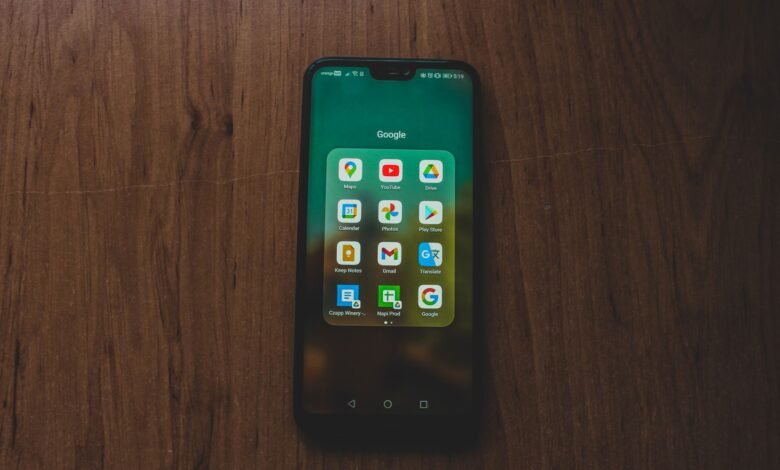
Google Play Services Keeps Stopping: Fix the Cascade Without a Factory Reset
A shared Android component will cause Google Play Services to stop running, but a crash from this component doesn’t necessarily cause each impacted app to be down on its own; therefore, one event can trigger several pop-ups saying an account sign-in attempt has failed, that the location services aren’t working, or that multiple apps have closed simultaneously. The best thing…
Read More » -
Privacy & Account Control
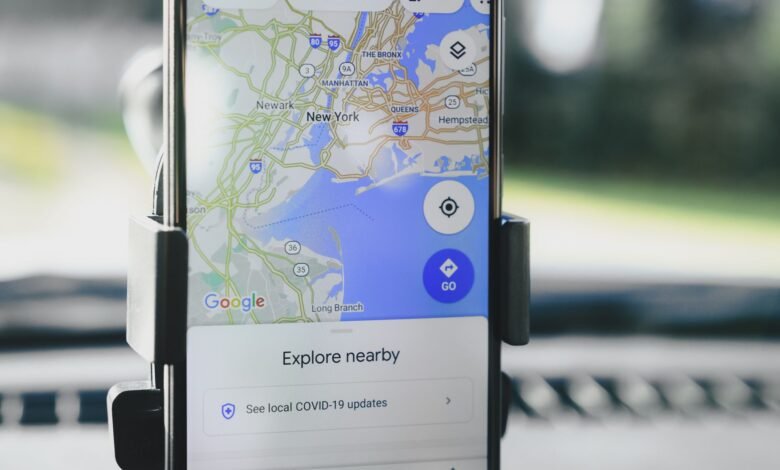
What Google’s Timeline Actually Knows About Your Location (and How to Erase It)
The Timeline feature is disabled by default, so you cannot determine that Google has not recorded anything based on an empty Google Timeline page. Once enabled, Google Timeline will track your precise location throughout the course of a day, even when every application that is made by Google has been shut off. Google Timeline will take the information it collects…
Read More »