
Setup & Migration Guides
-
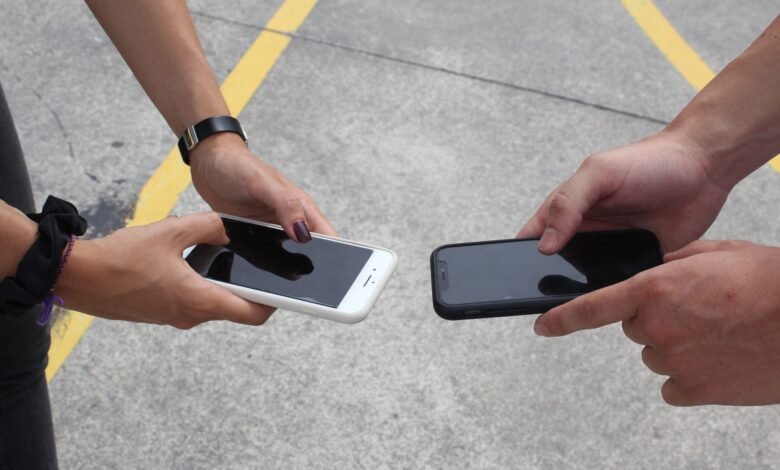
Android-to-Android Data Transfer: What Moves, What Does Not, and How to Check
You have two phones in front of you – One with four years’ worth of life documentation on it; the other with nothing on it (but a blank backdrop). You start setting it up, see that it has a ‘progress’ bar, displays as ‘Finished’ and then displays a Home Screen that looks almost identical to that of your previous phone.…
Read More » -

Moving Google Drive Files to Another Account: Copy, Ownership, and Safe Choices
You can only transfer files between Google accounts if both of you have permitted a transfer. If not, there will be no option to transfer the file at all. The number of times you may transfer Google Drive from one person to another depends upon whether both accounts are personal accounts, or if one is a workplace/school account. A folder…
Read More » -
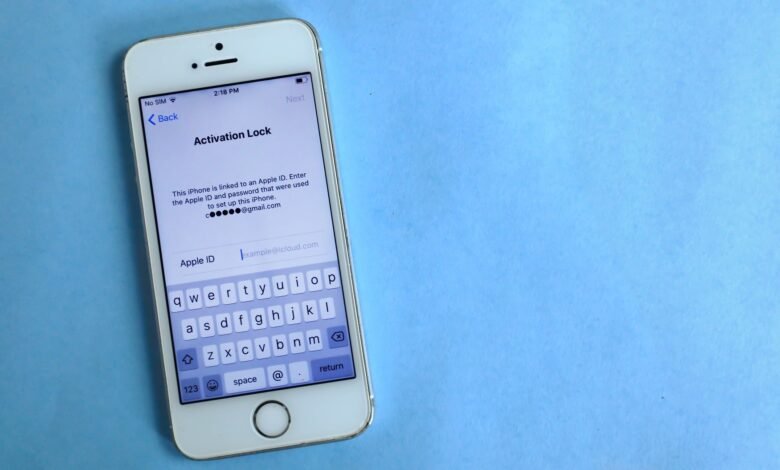
Move WhatsApp Chats from Android to iPhone Using the Official Setup Flow
You can migrate your WhatsApp Messenger account from Android to iPhone using Apple’s Move to iOS transfer tool during the initial setup of your iPhone. The main disadvantage of using this official method is that you must perform the transfer before setting up your iPhone; therefore, you will only be able to migrate your WhatsApp chat history to a new…
Read More » -
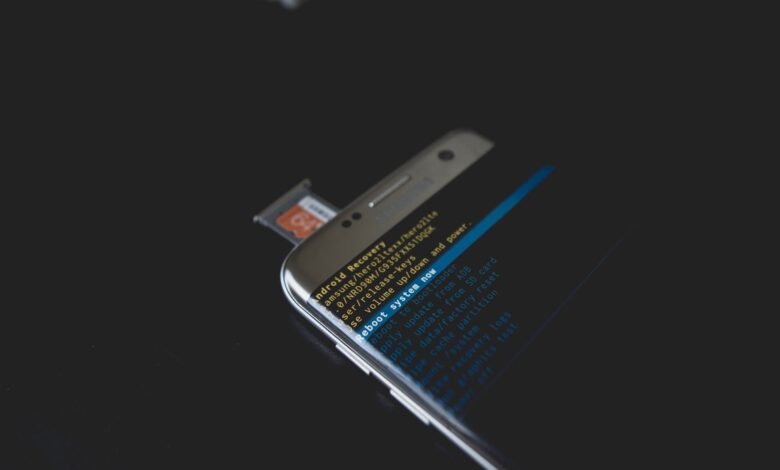
Move Microsoft Authenticator to a New Phone: Backup, Restore, and Recovery Limits
Transferring Microsoft Authenticator accounts to another device does not allow for the complete restoration of the account data. Only those accounts set up to use the 30-second Time-based One-Time Password (TOTP) will be recovered in full, while workplace and school accounts will still show a name but without an associated sign-in attempt. Microsoft Authenticator backups that are created from iCloud…
Read More » -
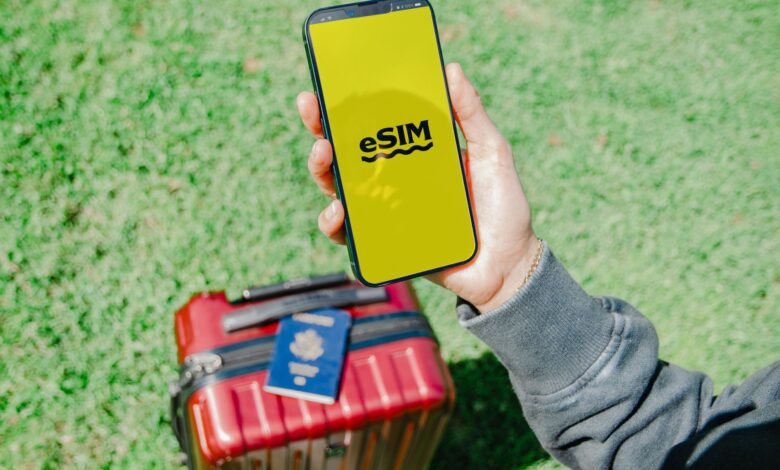
Transfer an eSIM to a New iPhone: Choose the Official Carrier Route
How you transfer eSIM to new iPhone comes down to your carrier, not your phone: if yours supports Apple’s built-in transfer, the two handsets handle it between themselves in a few taps. If it doesn’t, your carrier’s app or website is still the official route — it issues the line to the new phone rather than copying anything across, and…
Read More »