September 18, 2026
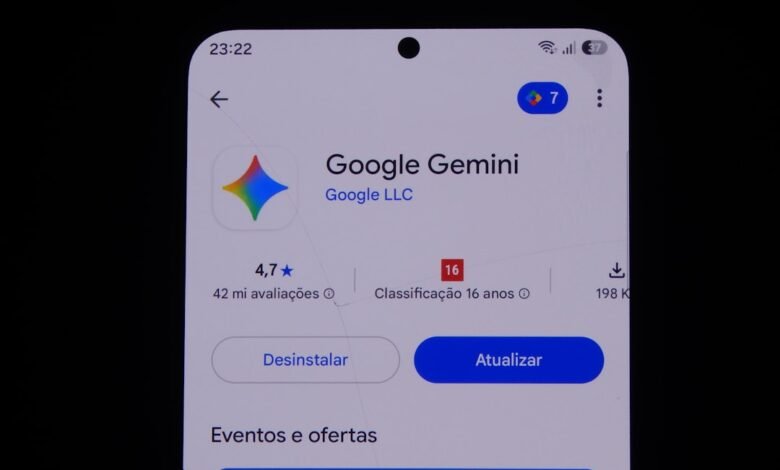
How to Delete Your Gemini History on Any Device — and What Google Still Keeps
When it comes to deleting Gemini history, it is important to remove the activity from your Google Account and not…
September 18, 2026
What Gemini Apps Activity Really Saves — and What Turning It Off Does and Doesn’t Stop
You can find your Gemini Apps Activity in your account records. This is where you will find the history of…
September 18, 2026
Is ChatGPT Free? What You Actually Get Without Paying Anything
Yes—there’s a free version of ChatGPT available. You don’t need a subscription to use it on your computer or through…
September 18, 2026
ChatGPT Alternatives Worth Switching To — and What You Leave Behind When You Move
Claude, Gemini, Microsoft Copilot, and Perplexity are currently the four best alternatives to ChatGPT, but the easier part of the…
September 18, 2026
The Best AI Chatbot for Everyday Use: Tested on Free Limits, Privacy, and the Apps
Choosing just one AI assistant to help answer day-to-day queries or assist with drafting content and conducting research seems like…
September 18, 2026
Move Microsoft Authenticator to a New Phone: Backup, Restore, and Recovery Limits
Transferring Microsoft Authenticator accounts to another device does not allow for the complete restoration of the account data. Only those…
September 18, 2026
Move WhatsApp Chats from Android to iPhone Using the Official Setup Flow
You can migrate your WhatsApp Messenger account from Android to iPhone using Apple’s Move to iOS transfer tool during the…
September 18, 2026
Moving Google Drive Files to Another Account: Copy, Ownership, and Safe Choices
You can only transfer files between Google accounts if both of you have permitted a transfer. If not, there will…
September 18, 2026
Android-to-Android Data Transfer: What Moves, What Does Not, and How to Check
You have two phones in front of you – One with four years’ worth of life documentation on it; the…
September 18, 2026
Turn Off Location on Your iPhone — and What the Switch Doesn’t Actually Stop
To turn off the location service, go to: Settings → Privacy & Security → Location Services, then flip the switch…